

Overview
Persisted Operations, also known as Trusted Documents or Persisted Queries, allow you to register GraphQL Operations on the Router. This way, you can execute an operation by its identifier instead of sending the whole operation to the router on each query, reducing bandwidth requirements and increasing security. This is also known as Operation Safelisting.Prerequisites
- Follow the tutorial to set up your demo subgraphs, install the required tools, and create a Cosmo account.
- curl
Write an Operation
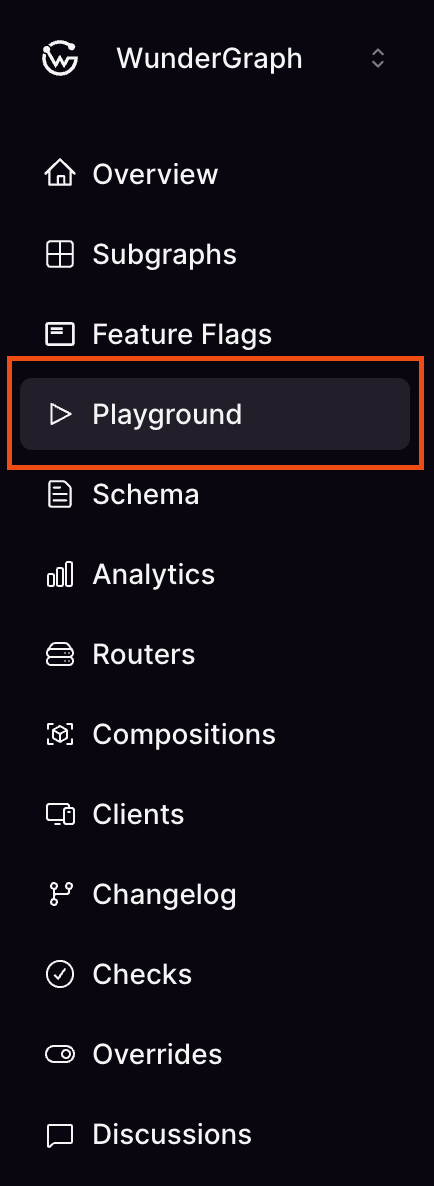
Let’s start by writing an operation in our playground. The easiest way to open it is to use Cosmo Studio. Navigate to your federated graph’sPlayground by clicking its link in the sidebar.
curl, let’s also execute this operation using the command line:
Register a persisted operation
Now let’s turn this query into a persisted operation. To register persisted operations, we will usewgc, which we installed in the prerequisites step. Open a text editor and create a file named employees.graphql with the operation body that we previously used:
-
The first argument is the federated graph name to push the operations to. This is the federated graph we created while following , named
federation. -
After the federated graph name, we must also indicate a client name. Persisted operations in Cosmo are always associated with a given client. If needed, Cosmo will automatically register the given client name the first time it sees it. During operation execution, the client name is obtained from the
graphql-client-nameHTTP header. When the router runs in manifest mode, the client name is used only to structure operations in Studio. -
Finally, we specify one or more files that contain GraphQL operations. Here we’re using a plain
.graphqlfile, but other formats are also supported, including:
Apollo Persited Queries manifest
Relay QueryMap
Execute a persisted operation
Now that we’ve pushed an operation, let’s execute it. To make things simple, we’ll usecurl to run the operation. So, instead of sending the operation contents, we will send its identifier. Run the following command, indicating the client name (in the graphql-client-name header) and the operation identifier (in the payload):
Using the PQL Manifest
Instead of having the router fetch each persisted operation individually from the CDN on each request, you can enable the PQL manifest. In this mode, the router loads all persisted operations from a singlemanifest.json file at startup and serves them.
Add the following to your router configuration:
Further information
- Persisted Operations — full reference including manifest formats, manifest mode, custom storage providers, and security options.
-
Push command — CLI reference for
wgc operations push. - Storage Providers — configure S3 or other storage backends for router artifacts.